
118 elements · 36 tools · free
The whole table, assembled.
Scroll, and every element finds its place. Then we go down through the four scales a chemist actually works at — bench, solution, molecule, atom — with a live tool at each one.
0of 118 placed
Will it precipitate?
Pick a cation and an anion. The answer comes with the rule it came from, not just a colour — because the rule is the thing you have to remember in the exam.
A buffer is just a ratio.
Move the two concentrations and watch Henderson–Hasselbalch do its work. The colour strip is what universal indicator would actually show you. Buffer capacity is there too, because that is the part students get wrong.
- Ratio A⁻/HA
- 1.00
- Buffer capacity β
- 0.115
- Useful range
- 3.8–5.8
Which atom actually lost the electrons?
Oxidation states, assigned from the standard rules and solved for whatever is left over. It is the step that decides which half-equation you write, and it takes one line here instead of five on paper.
Each dot is one electron formally transferred. Bars to the right are electrons lost, to the left electrons gained.
The bottom of the descent is a box with two arrows in it.
Slide through all 118 elements and watch the orbitals fill in Madelung order, Hund’s rule and all. Everything above this — the precipitate, the buffer, the oxidation state — is decided here.
Every tool on the way down.
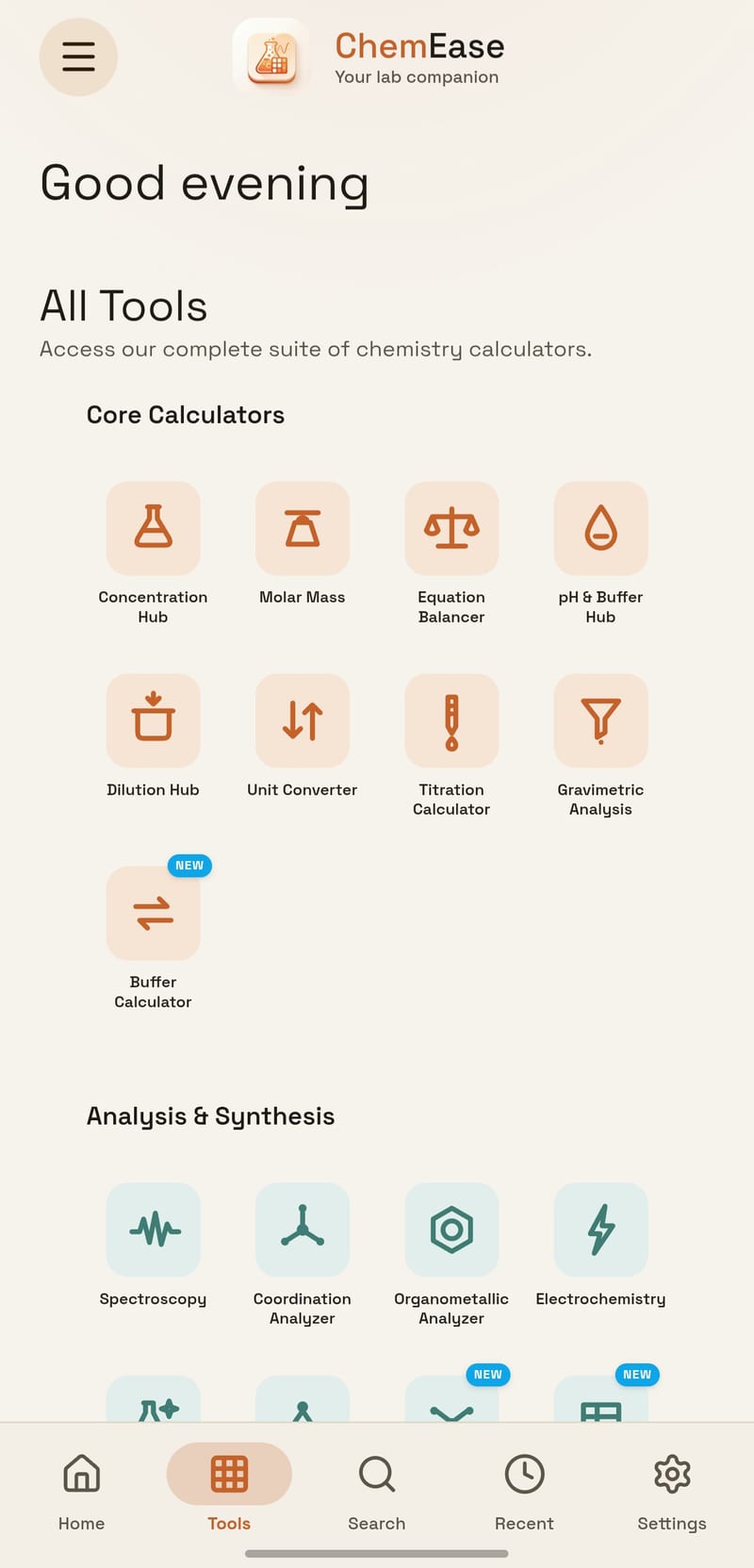
Thirty-six of them, in four families, all in the same workspace and all free. Nothing is behind a sign-in.
Calculate
15The arithmetic of the bench — concentrations, buffers, yields, cell potentials.
11 more Show fewer
Analyse & simulate
7Data in, meaning out. Fits, spectra, mechanisms, predicted properties.
Structure & bonding
9Why a molecule behaves the way it does — shape, electrons, stereochemistry.
5 more Show fewer
Reference
5The things you look up mid-experiment, with the answer already open.
1 more Show fewer
Take the whole descent offline.
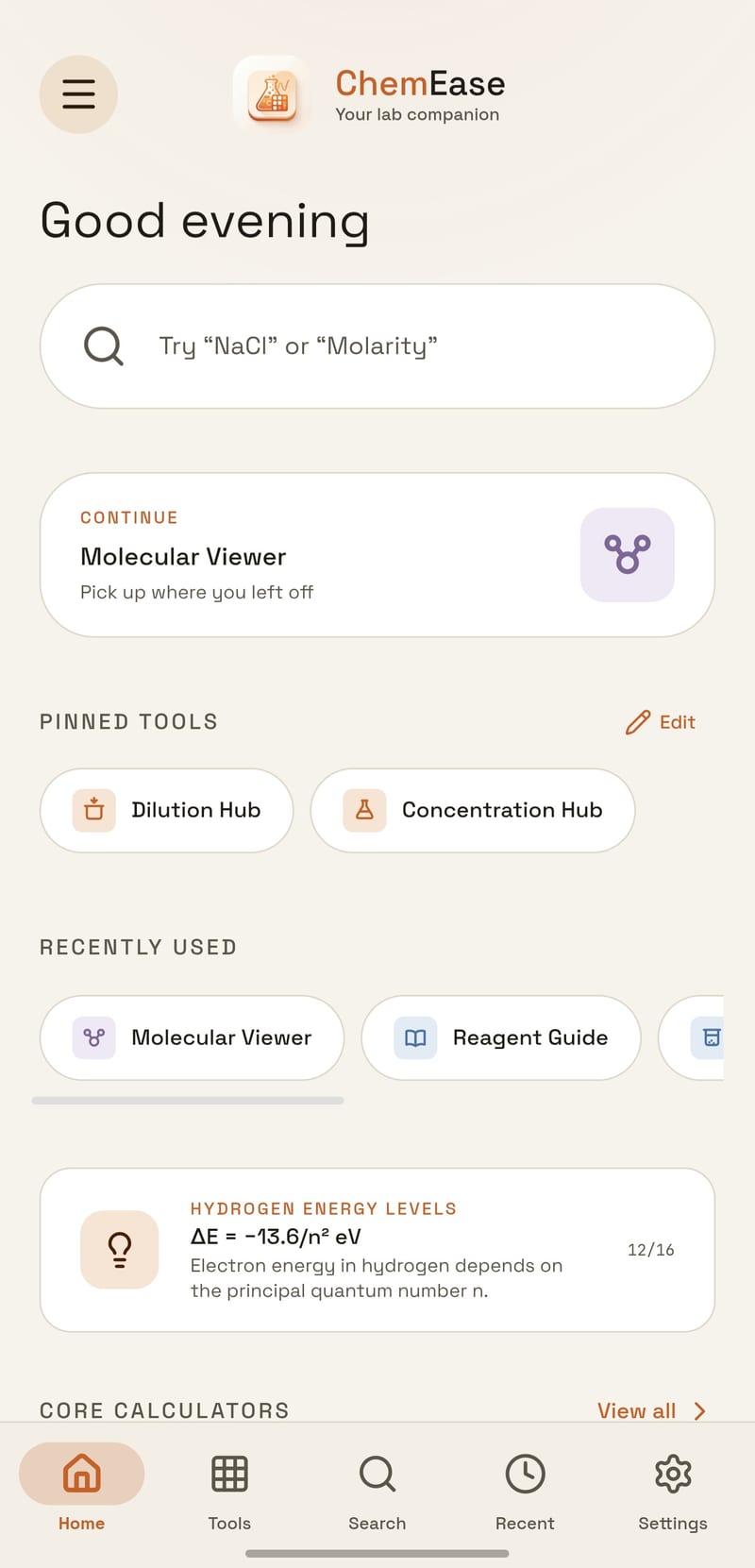
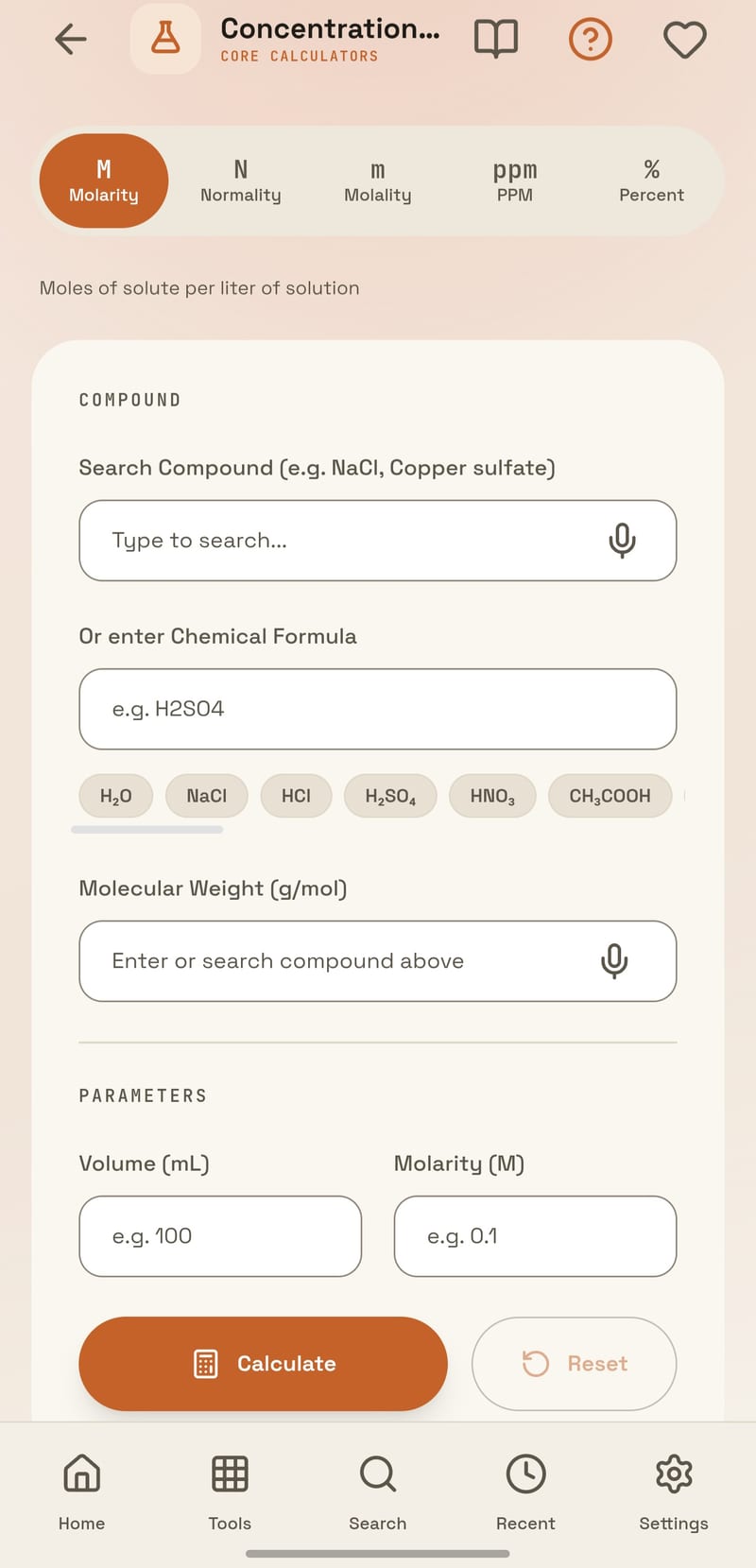
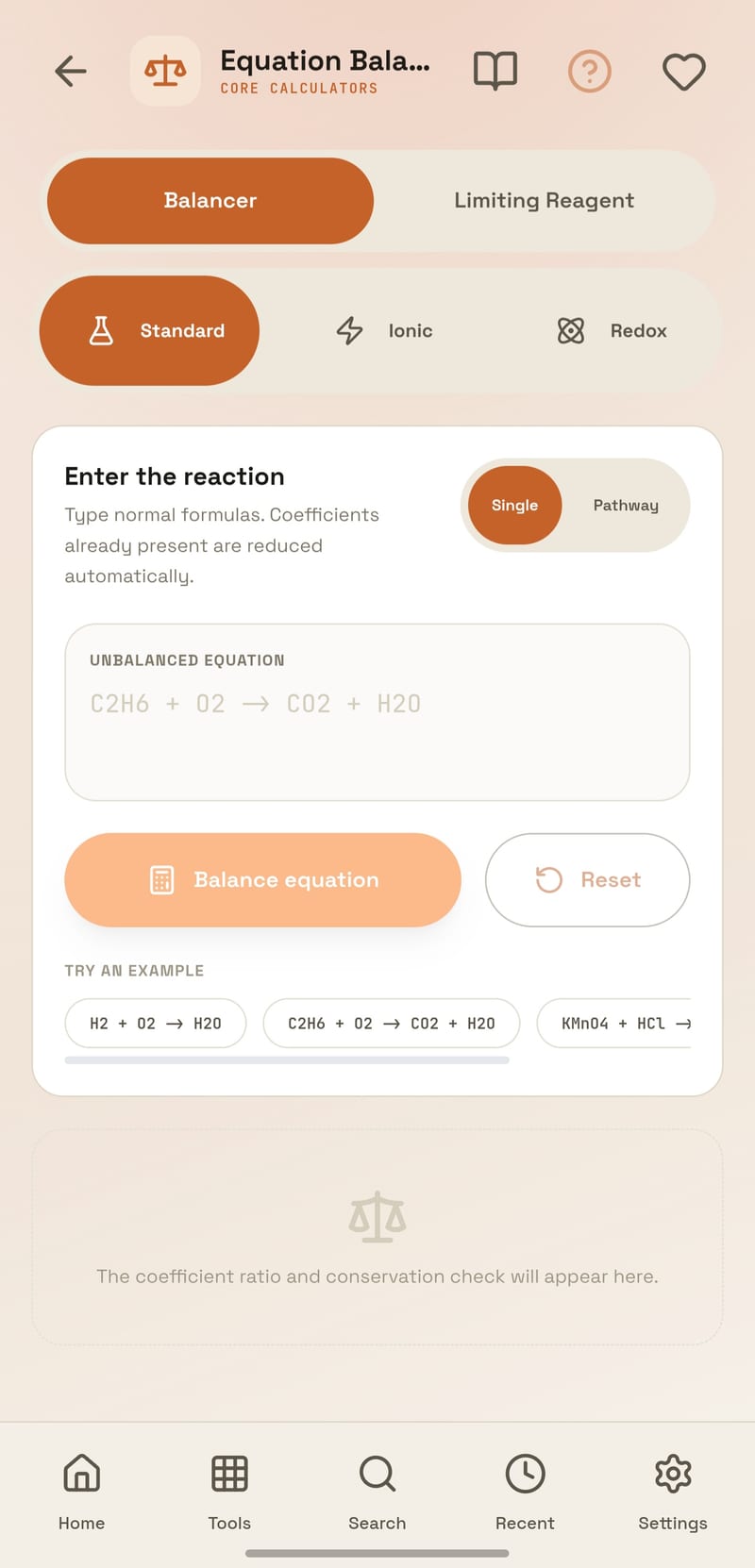
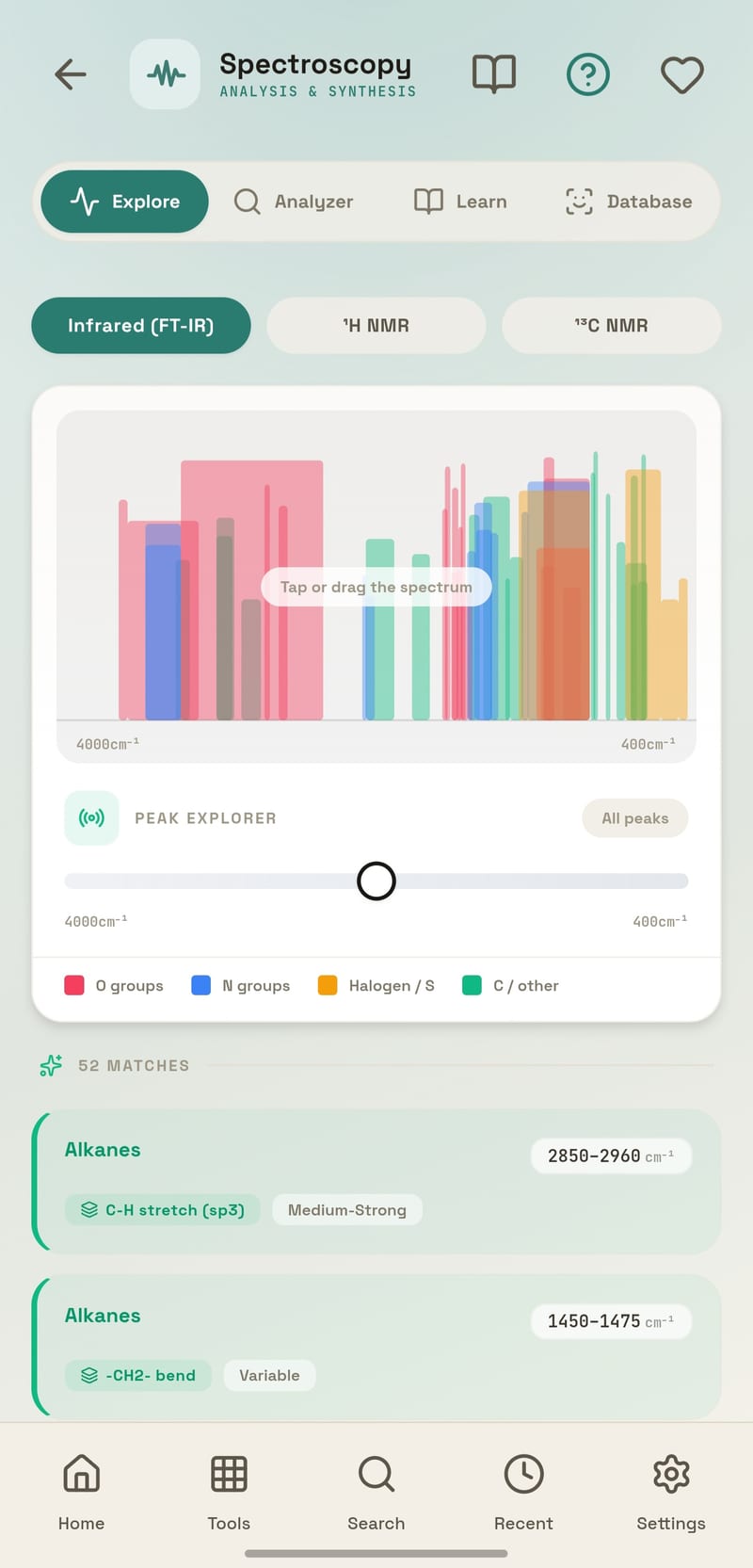
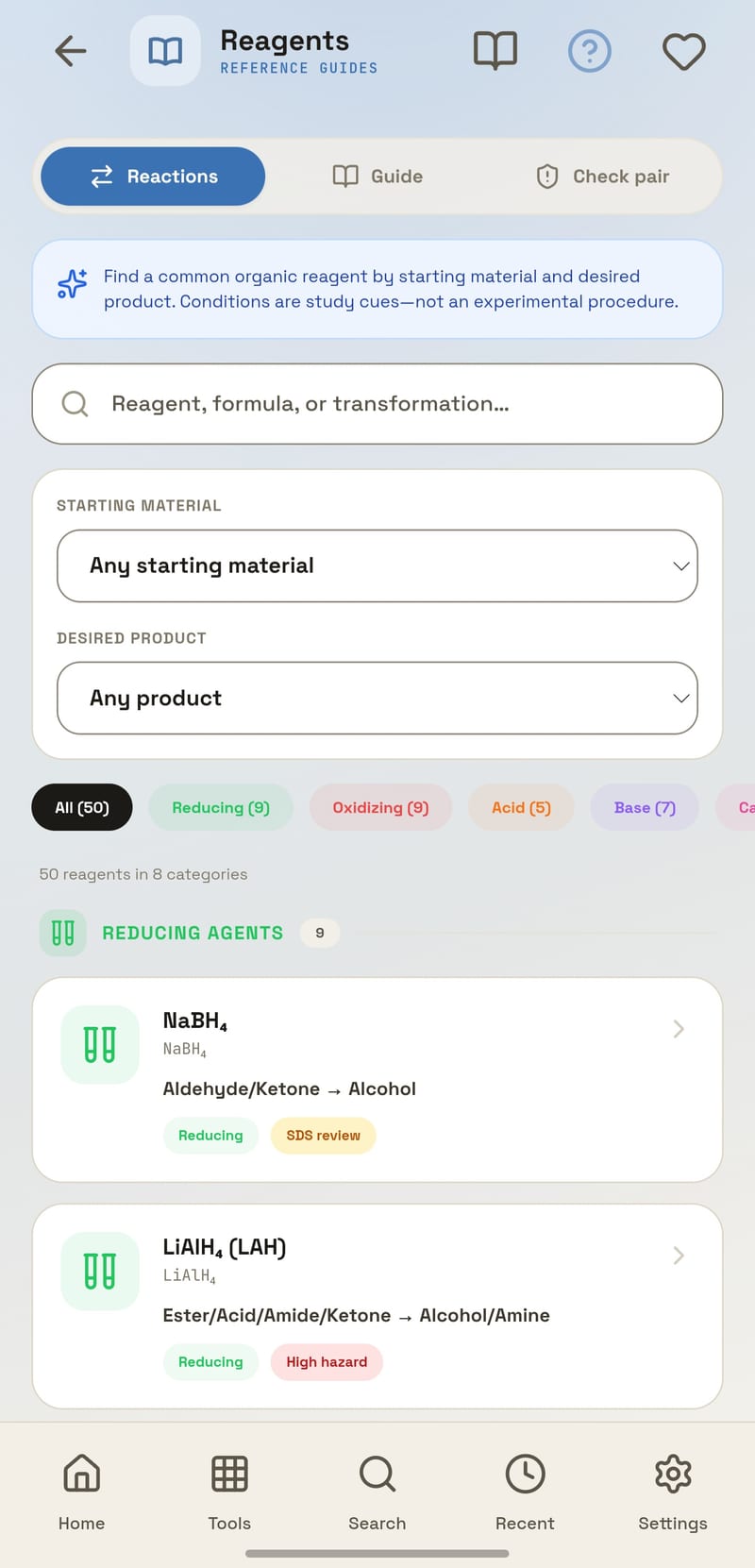
The Android app is the same thirty-six tools with the radio switched off. No signal in the lab, no problem — and nothing about your work leaves the handset.

- Works with no signalall 36 tools run on the handset itself
- Nothing uploadednotebook, data and structures stay local
- Identical mathsresults match the web app exactly
- Free, no adsno subscription and no locked tools
Nothing to procure. Nothing to collect.
No licence, no seat count, no accounts for students, and no student data leaving the device. The maths runs in the browser, which is also why it works on the lab’s older machines.
students open a link and start working
the maths runs in the browser, not on a server
molar mass in week one to crystal field theory
browser at the desk, Android in the lab
It’s already loaded.
No account, no install, no trial. Your work stays on your own device — there is nothing to sign up for and nothing to cancel.